How to Update GB WhatsApp Without Losing Chats
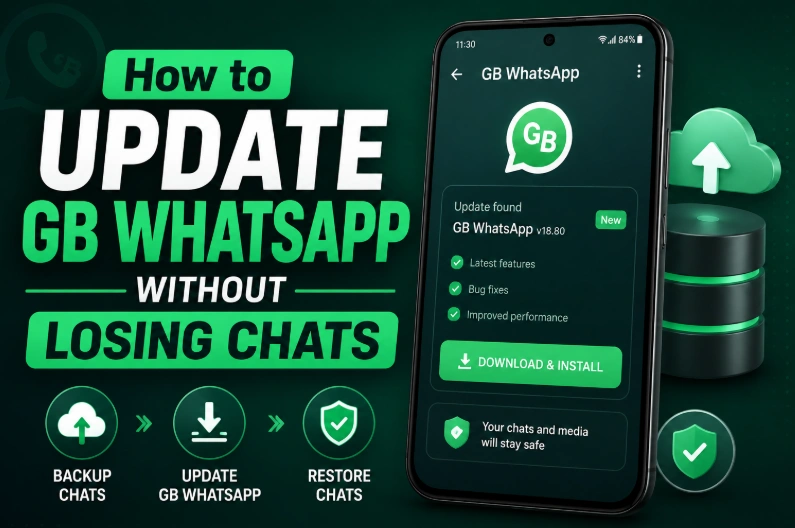
Keeping GB WhatsApp updated helps you access new features, security improvements, and better compatibility with newer Android devices. However, many users hesitate to update because they are afraid of losing their chats, photos, and important files.
The good news is that you can usually update GB WhatsApp without losing your conversations by following the correct steps.
This guide explains how to safely update GB WhatsApp while keeping your existing data.
Backup Your Data Before Updating
Before updating GB WhatsApp, always create a backup of your chats and media files.
A backup protects your information in case:
- The update fails
- The APK installation has problems
- The app needs to be reinstalled
Open GB WhatsApp settings and create a chat backup before downloading the new version.
Download the Latest GB WhatsApp APK
After creating a backup, download the latest compatible GB WhatsApp APK.
Before installation, check:
- APK version
- File size
- Android compatibility
- Available storage space
Using an incompatible APK may cause installation errors or update failures.
Install the New Version Over the Existing App
In most cases, you can update GB WhatsApp by installing the new APK directly over your current version.
Steps:
- Download the latest GB WhatsApp APK.
- Open the APK file.
- Allow installation permissions if required.
- Install the new version.
- Open GB WhatsApp and check your chats.
Avoid uninstalling the previous version unless necessary because removing the app may delete local data.
Check Your Chats After Updating
After updating:
- Open your conversations
- Check photos and videos
- Confirm your account information
- Test important features
If something is missing, restore your backup.
What If GB WhatsApp Update Fails?
Sometimes updates fail because of:
- Insufficient storage
- Wrong APK version
- Package conflicts
- Damaged download files
If the update fails:
- Confirm your backup exists.
- Remove the failed APK file.
- Download the APK again.
- Try installation again.
Tips to Avoid Data Loss During Updates
Follow these recommendations:
- Always backup before updating
- Use the same phone number
- Keep enough storage available
- Download APK files completely
- Avoid switching between different GB WhatsApp versions